 devdevian
Your first session
This walkthrough takes you from a new account to a useful conversation. You do not need a GitHub repository or the CLI to start.
Start a conversation in the browser. Pick it up in the terminal with the same account.
1. Create one account#
Open the forum and choose Google, GitHub or email/password. Email registration completes after you enter the verification code. Choose your permanent username carefully: usernames are case-insensitively unique and cannot be changed later. Your display name and profile photo remain editable.
If you already registered with the same email using another provider, follow the email confirmation flow to connect the new sign-in method to that account. GitHub sign-in is separate from the GitHub Workspace integration; logging in does not grant repository access.
2. Find the right audience#
Start in the public feed for questions you can share openly. Search for an existing discussion before opening a duplicate. Choose a topic that describes the subject, and technologies that help readers understand the environment.
For a members-only conversation, request access to a community and wait for approval. Check the audience in the composer before publishing, including screenshots, logs and code. Private community content is access-controlled, not end-to-end encrypted.
3. Publish a focused question#
Choose Ask a question and explain the expected behavior, actual behavior, what you tried and the smallest relevant example. For example:
Title: How should a retry worker handle an unknown response?
Expected: retry temporary failures without creating duplicate jobs.
Observed: a timeout can arrive after the server has accepted the request.
Tried: a bounded retry count and exponential backoff.
Question: where should the idempotency key be generated and stored?
Attach a minimal snippet if it makes the question clearer. Remove API keys, tokens, account details and unrelated private code. Add a labeled URL for a demo or repository when it helps reproduce the problem. Preview, then publish.
4. Continue the discussion#
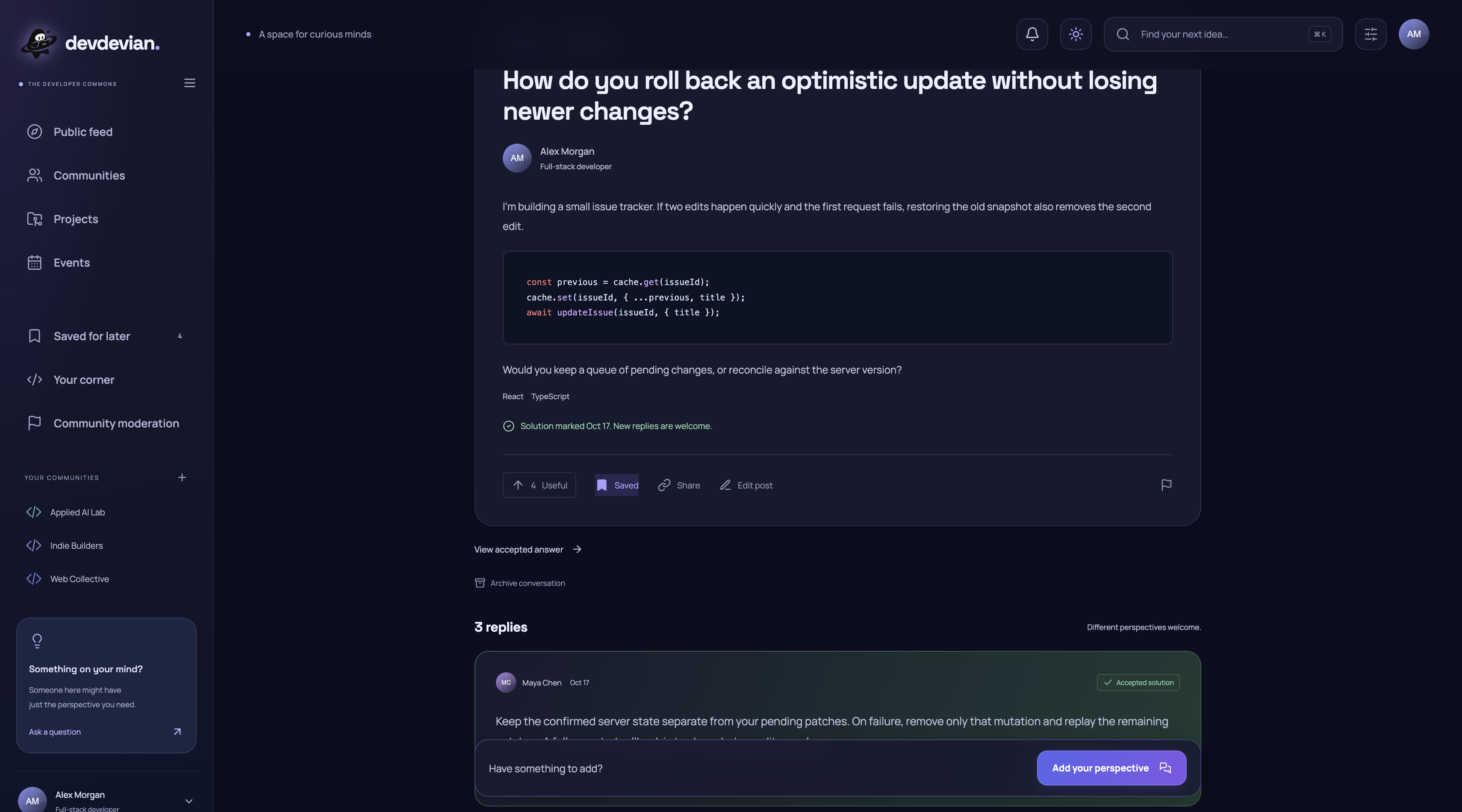
Subscribe to the conversation to follow replies. Notifications and My work help you return to the next action. Reply to a specific answer when clarifying a detail. If a reply solves a Question or Code review, its author can mark it as the accepted answer and undo that choice later. Accepting a solution does not close the discussion.
Archiving pauses new replies without deleting the conversation. A moderator restriction is separate and requires an authorized moderator to change it.
5. Try the same account in the terminal#
Install Node.js 24 or newer, then run:
npm install -g @tenyokjs/devdevian-cli@alpha
devdevian login
devdevian tui
Compare the code shown in your terminal with the browser approval page. Authorize only a terminal you recognize. The live workspace uses arrow keys and contextual actions; devdevian --help lists scripted commands. Inside VS Code, run it in the integrated terminal from your project directory to use the local file and diff picker.
A published terminal action uses the same server and permissions as the browser. You can revoke a terminal in Settings; see authentication and the CLI guide for credential handling and troubleshooting.
Next steps#
- Create a project and coordinate work.
- Understand contribution approval.
- Attach GitHub context without granting repository write access.
- Recover a forgotten password.