 devdevian
Build in good company
Devdevian is an open-source developer forum, available in the browser and your terminal. It brings technical conversations, human code reviews and project work into one account and one permission system. It is in active development; the terminal package is an alpha.
Use the forum to ask a focused question, discuss a tradeoff, publish a project, or ask another developer to inspect an implementation. Projects add a shared workspace, task board, versioned results and decisions. GitHub context brings repository issues, pull requests and changes beside that work.
Start a conversation in the browser. Pick it up in the terminal with the same account.
Choose your first path#
| Your goal | Start here |
|---|---|
| Ask a question or share something | Using the forum |
| Work from VS Code or a terminal | Terminal client |
| Coordinate a project | Rooms and tasks |
| Decide who can participate | Project participation |
| Review a snippet with another developer | Review Flow |
| Connect repositories | GitHub App |
| Submit or accept task results | Contributions |
| Run or contribute to the application | Local development |
One conversation, two clients#
The browser and CLI connect to the same API. A reply published in the terminal appears in the browser; an assignment changed in a Room appears when the other client refreshes. Local drafts, appearance preferences and directory bindings are different: they stay on the device where you created them.
The CLI is a client, not a separate copy of the forum or a repository agent. It reads only the files and changes you explicitly select. Preview the audience and selected content before publishing. It does not automatically push code, merge pull requests or upload your working directory.
Understand the vocabulary#
- A topic organizes public conversations. Following one adds its public activity to your Following feed; it does not grant membership.
- A community is a separate members-only audience. Its owner and validators manage access and moderation.
- A project is a publication describing what you build and where help is useful.
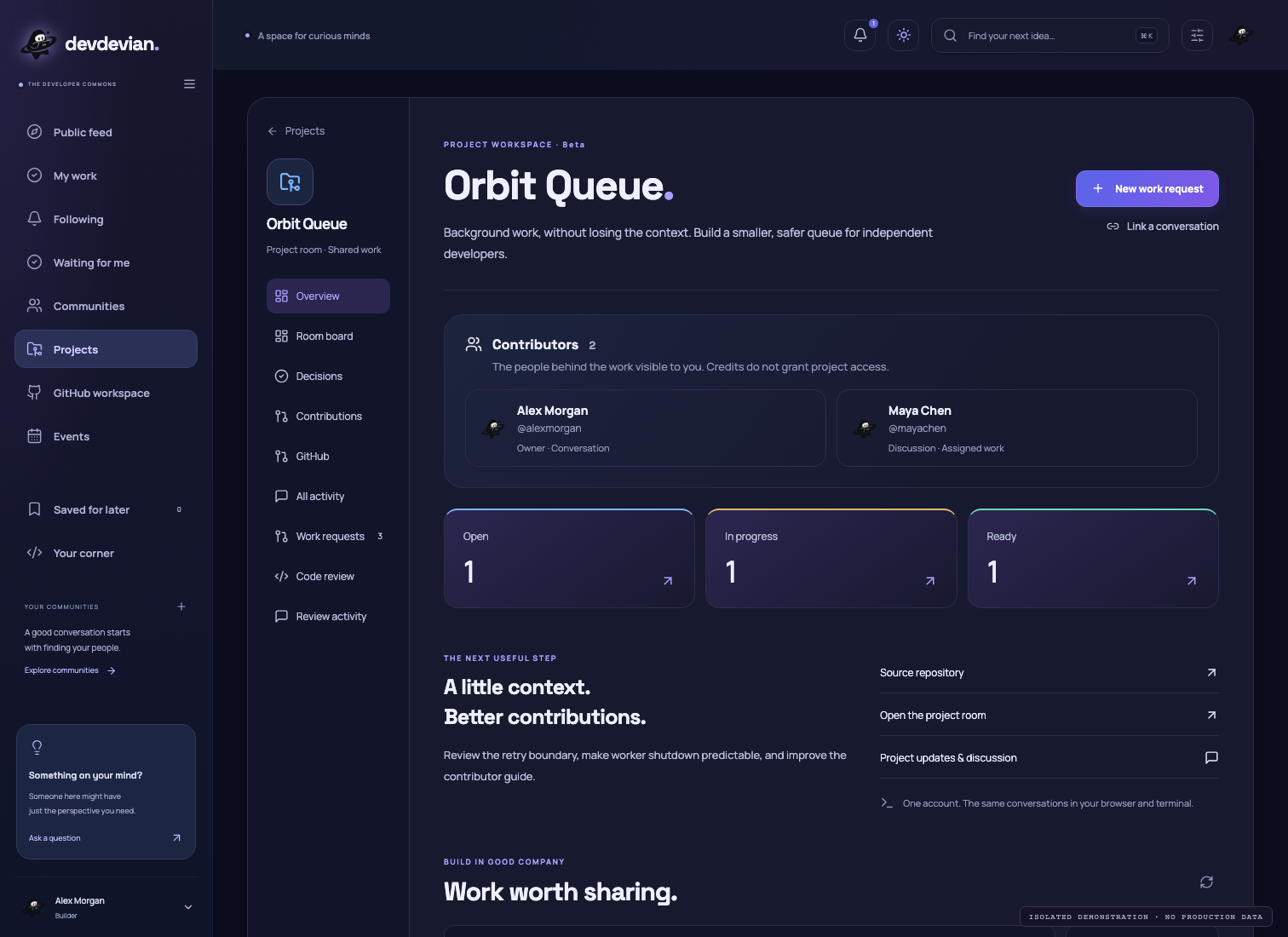
- A workspace connects a project to work requests and versioned review context.
- A Room adds a task board, assignments, pinned decisions and project activity.
- A contribution is a versioned result submitted against a task. It is not the same as a GitHub commit.
- Contributors credits people whose work you can read. The list is not an access-control list and does not automatically mirror GitHub contributors.
Visibility and participation are separate#
A public project can be visible to everyone while allowing only approved contributors to work. A private project belongs to a community and still requires current membership, even if its owner approved your participation. Approval never grants GitHub repository access or co-ownership. Read the participation matrix before restricting a project.
Open source, with practical limits#
The application is licensed under GPL-3.0-only. You can inspect the implementation, report a reproducible issue and contribute under the repository rules. Running the public instance also depends on hosted database, file, email and OAuth providers; an open-source license is not a guarantee of uptime or unlimited quotas.
These guides describe implemented behavior. Future features belong in planning discussions, not in instructions for features you can use today.